Flow analytics and DDoS defence in one console
Heimnull turns the flow data from your routers into a live view of your network, and stops DDoS attacks by sending FlowSpec rules and blackholes back over BGP.
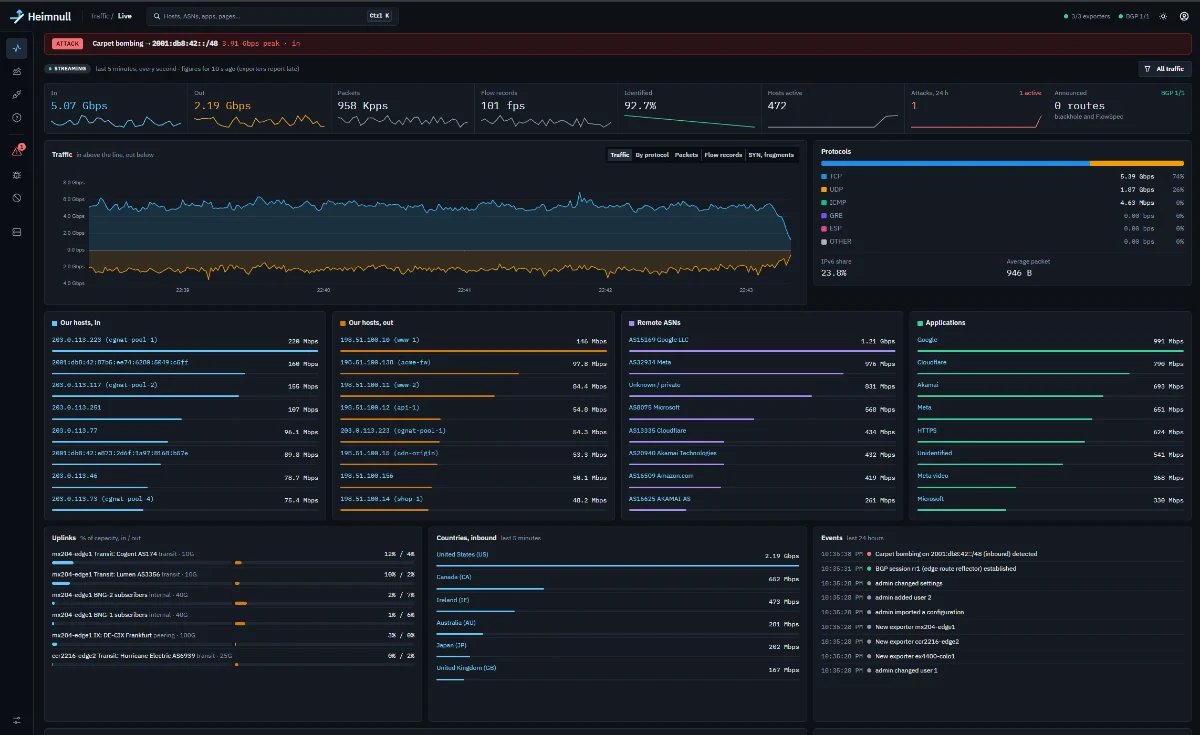
Live
Your whole network at a glance, every second. Any attack in progress sits in a red strip across the top of every page.
- Eight figures with sparklines: in, out, packets, flows, identified, hosts, attacks, routes announced
- Top lists for your hosts, remote ASNs and applications
- Uplinks against their capacity, in and out
- Events: attacks, mitigations, BGP and router changes
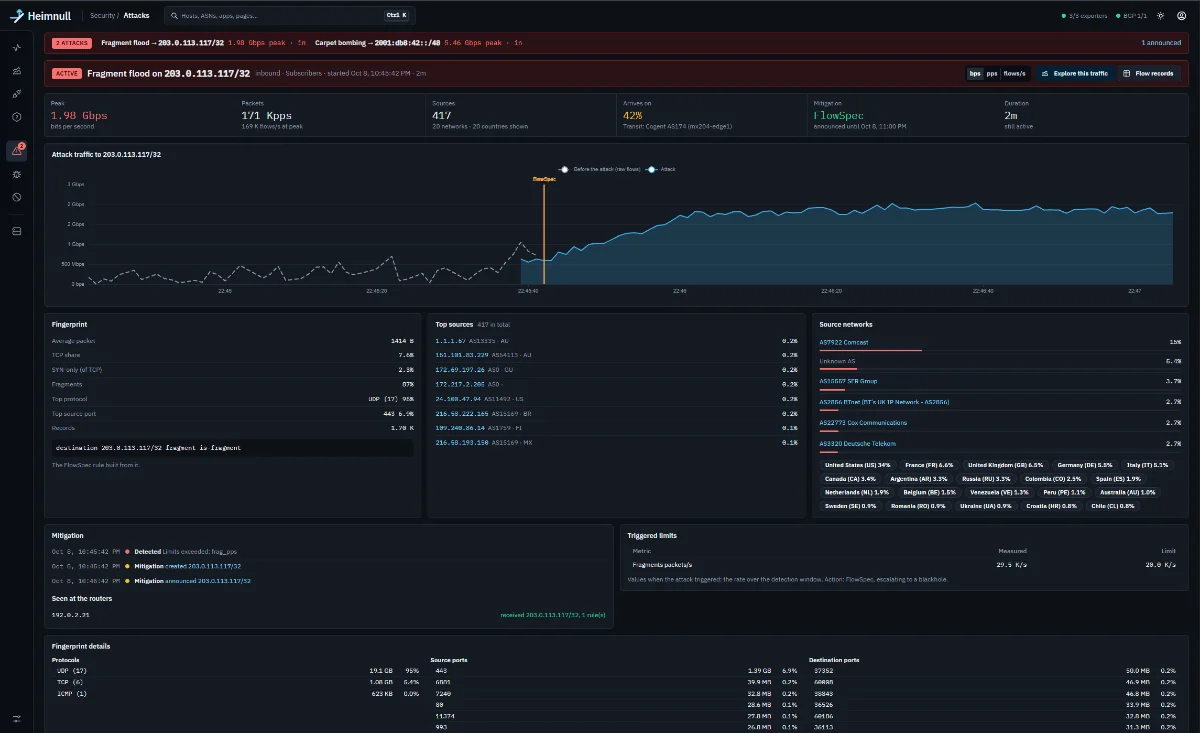
An attack
Every attack gets its own page: what it looks like, where it came from, and exactly what was done about it.
- The chart, from before the attack began, marked where it was filtered
- The fingerprint, and the FlowSpec rule built from it
- Sources by address, network and country
- The timeline, and what each router actually received
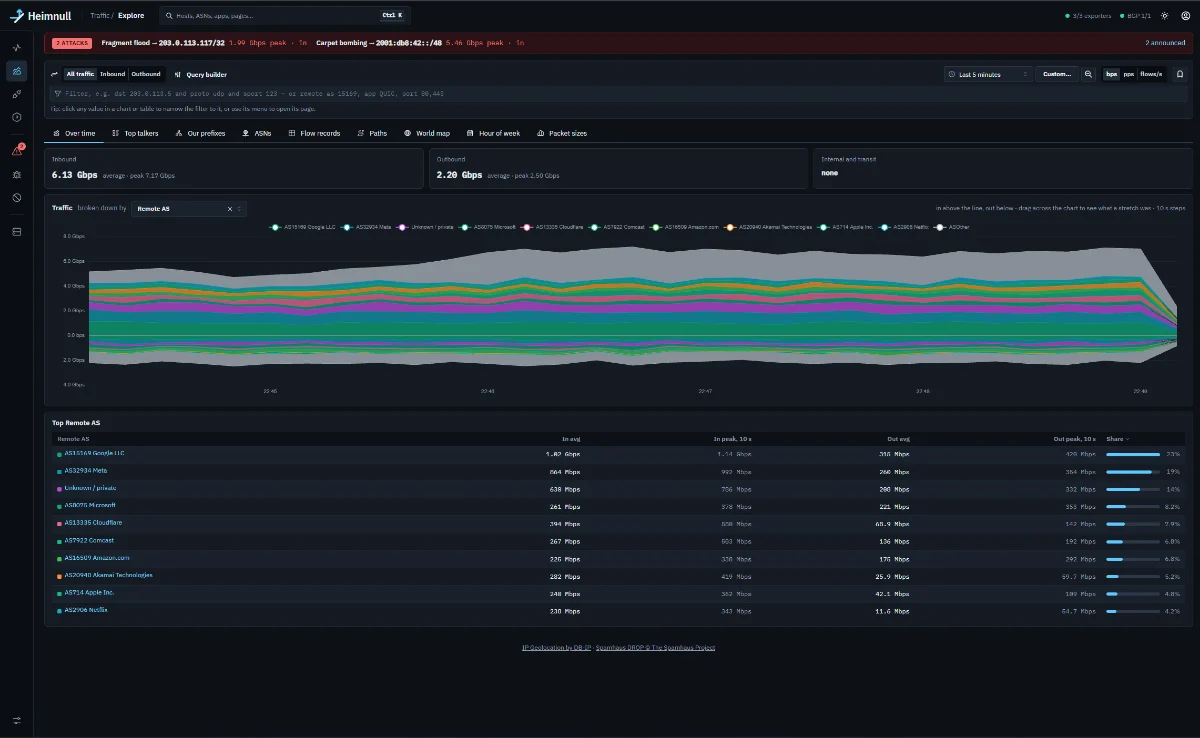
Explore
Pick a time range and a filter, then look at it any way you like. Click any value to narrow down to it.
- Over time, broken down by application, protocol, ASN, country and more
- Top talkers, your prefixes, ASNs and AS paths
- World map, hour of week and packet sizes
- Filters typed as text or built with the query builder
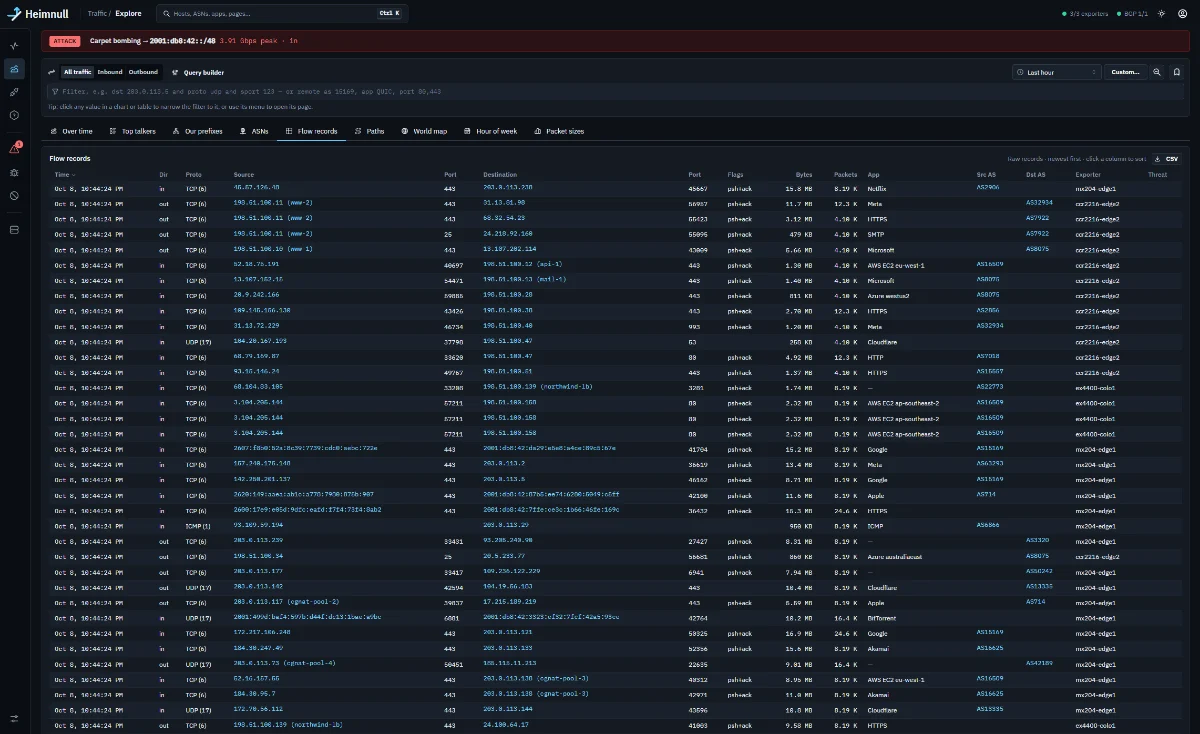
Flow records
When you need the detail, every record is there: who talked to whom, on what port, through which router.
- Raw records, newest first, sortable by any column
- Applications and ASNs on every row
- Host names you've given your addresses
- CSV export of exactly what you're looking at
Running in an afternoon
Heimnull is one container on one Linux server. Nothing changes in your network until you choose to let it announce routes.
Start the server
One Docker Compose command on Debian 13. The first visit to the web page creates your admin account.
Point your routers at it
Send NetFlow v9, IPFIX or sFlow v5. Routers show up as soon as they send, and traffic appears on Live within seconds.
Add BGP when you're ready
One iBGP session per router. Turn on FlowSpec or blackholes one hostgroup at a time, after a dry run.
What else is in there
The tour shows four pages. These are the rest.
Analytics
- Pages for every host, ASN, prefix and country
- Applications named from feeds, ASNs, reverse DNS and your rules
- Interfaces with SNMP, errors and 95th percentile
- Saved searches and CSV export
Detection
- Limits per host and hostgroup
- Flex rules by port, ASN, country or size
- Carpet bombing across a prefix
- Baselines learned per hour of the week
- Outbound attacks from your own hosts
Mitigation
- FlowSpec: discard, rate-limit, redirect, remark
- Blackholes with your communities
- Escalate FlowSpec into blackholes
- Checks against your networks and whitelist
- One-click withdraw all
Operations
- Email and Telegram alerts
- Roles and API tokens
- Audit log with before and after
- Config export and import
Want early access?
If you run your own routers and want to see Heimnull on your own traffic, write to us for early access.
info@heimnull.com